Car technology upgrades are tempting because the results are visible. A bigger screen, better sound or a reversing camera can transform an older car. But the best upgrade is the one that works every day without introducing rattles, battery drain or warning lights. The order of spending matters more than the brand on the box.
Start with the head unit
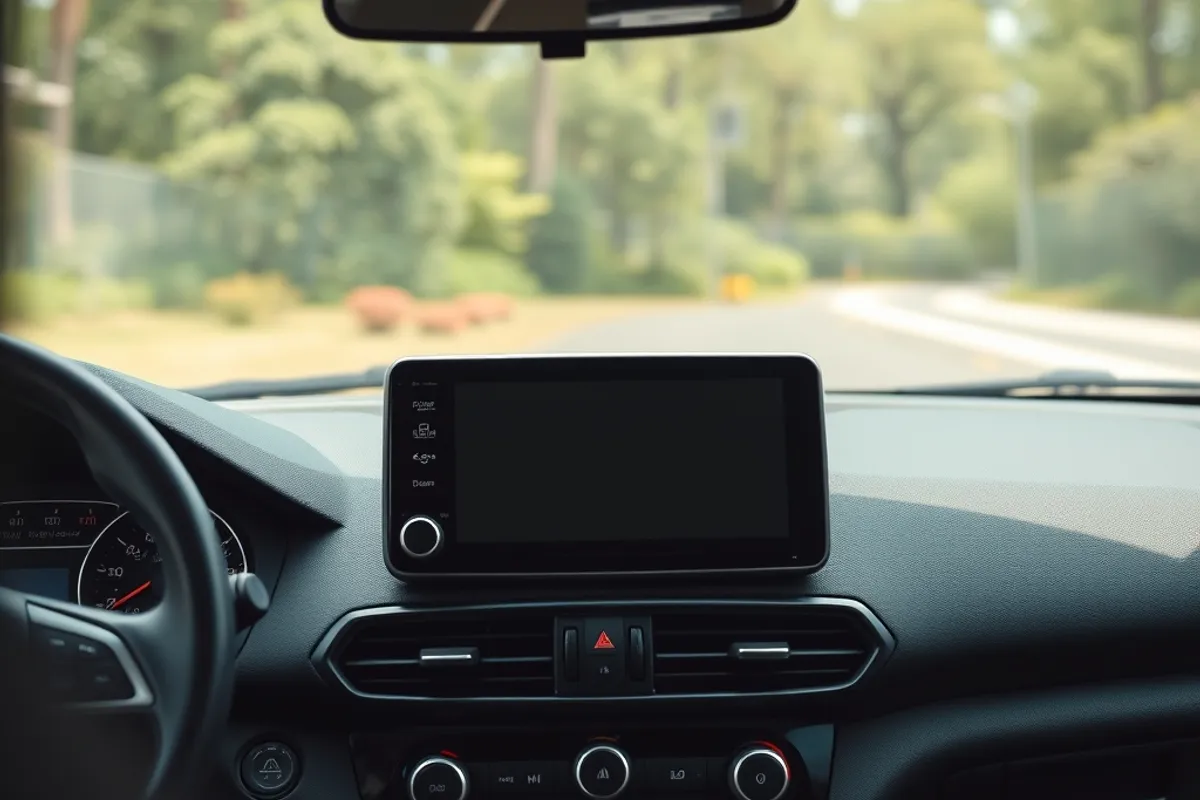
A modern head unit adds navigation, hands-free calling and streaming to an older car. Choose one that supports the phone mirroring standard you use and has a physical volume control. A capacitive screen feels better than a resistive one, and wireless CarPlay or Android Auto is worth the extra if you use it daily.
Compatibility is the main trap. Some cars use the screen for climate and vehicle settings, and replacing it can disable functions. Others need a CAN-bus adapter to keep the steering wheel controls and parking sensors working. Buy the adapter for your exact model and year, not a universal harness. Our EV tech guide covers the software side of modern cars.
Sound: speakers before amplifiers
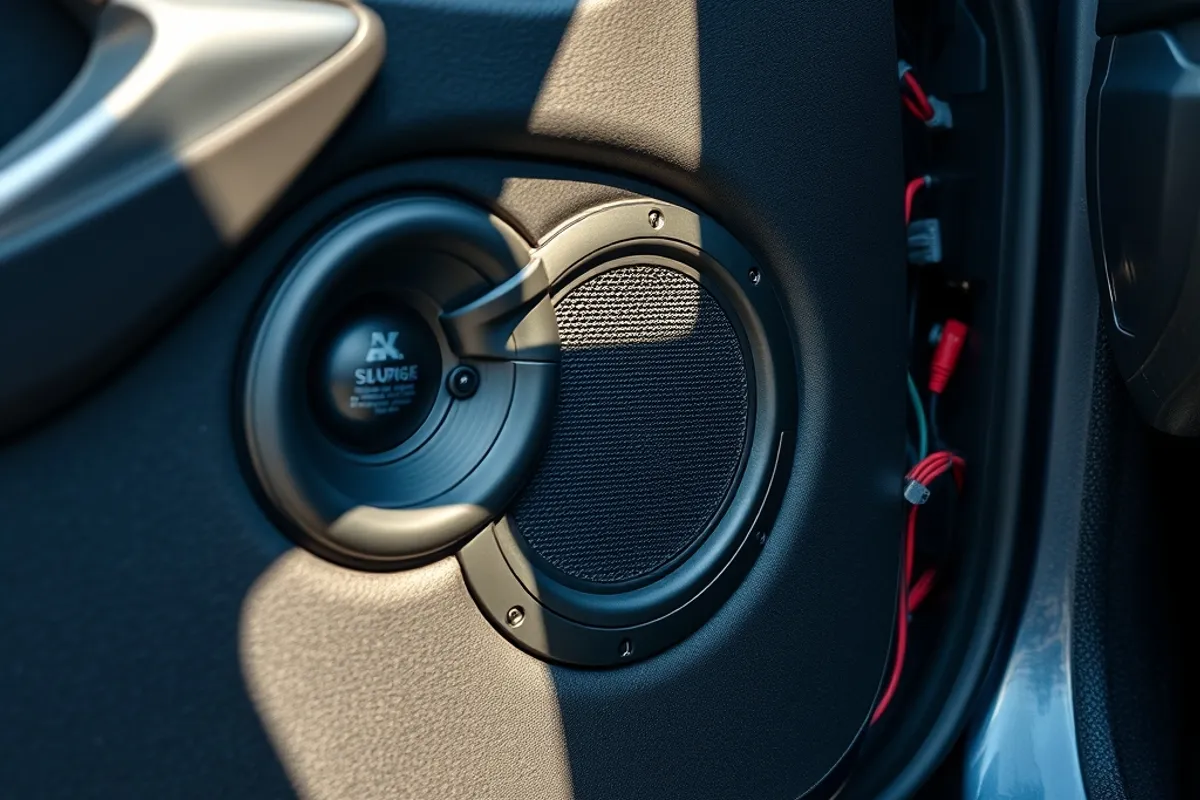
Most factory systems improve dramatically with better speakers and sound deadening in the doors. Start with a component set in the front and coaxial speakers in the rear. Add an amplifier only if the new speakers need more power than the head unit provides. A subwoofer is optional and takes space; a compact under-seat unit is a good compromise.
Proper installation matters as much as the parts. Seal the door cavities, use adapters that fit the factory mounts and route cables away from moving parts. A cheap speaker installed badly will sound worse than the factory unit. If you are not comfortable removing door panels, pay a specialist.
Dash cams and parking protection
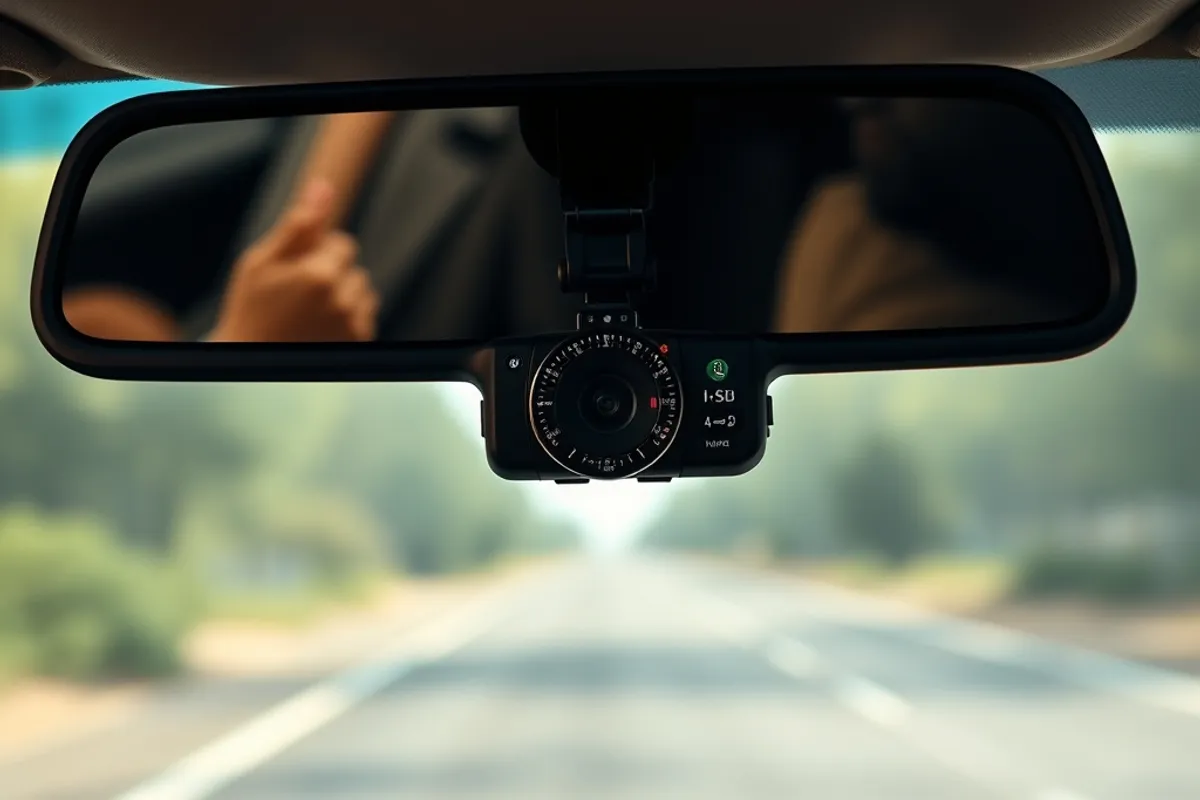
A dash cam is one of the most useful upgrades for daily driving. Choose one with good low-light performance rather than the highest resolution number. A capacitor-based unit handles heat better than a battery one. Hardwire it with a proper voltage cut-off so it does not drain the battery when parked.
Check the local rules on recording and mounting. Some regions restrict where the camera can be placed or how footage may be used. Do not obstruct the driver's view or the airbag. Review the footage occasionally to confirm the card is working; a corrupted card is a silent failure.
Parking sensors and cameras
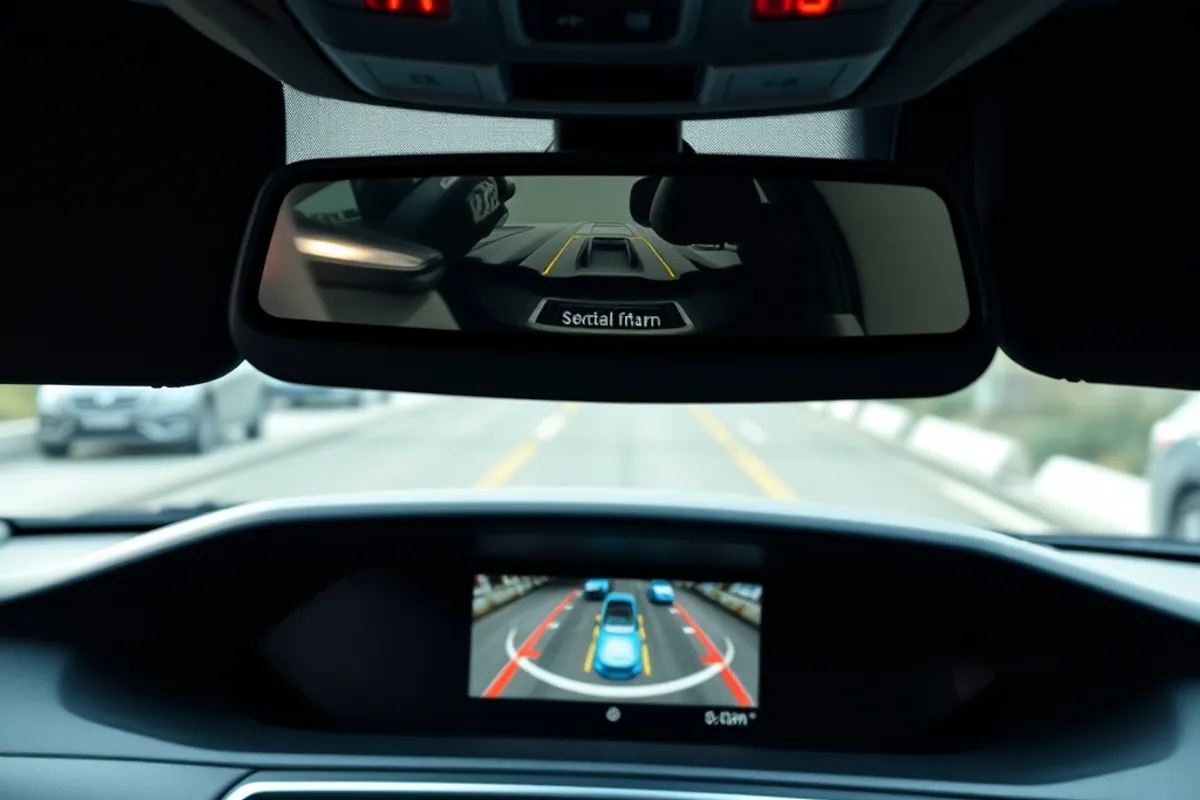
Rear cameras and parking sensors make a big car easier to place in tight spaces. Factory-style sensors can be fitted to many cars, but bumper removal and calibration may be required. A wireless camera is easier to install but can suffer interference. Choose a wired connection when possible.
Calibration matters for 360-degree systems and for cameras that overlay guidelines. If the image is distorted or the lines do not match the car's path, the camera is not set up correctly. Ask the installer to demonstrate the system in daylight and at night before you pay.
Driver aids and software
Adding modern driver aids to an older car is limited. You can add a blind-spot monitor or a forward-collision warning camera as an aftermarket kit, but integration with the car's systems is rarely as clean as a factory option. Do not expect an aftermarket kit to brake the car for you. Treat it as a warning aid, not a substitute for attention.
Software updates are part of the upgrade. A head unit that no longer receives map or security updates becomes a liability. Check the manufacturer's update policy before buying. For factory systems, ask the dealer whether maps and firmware are free after the trial period.
Wiring, power and safety
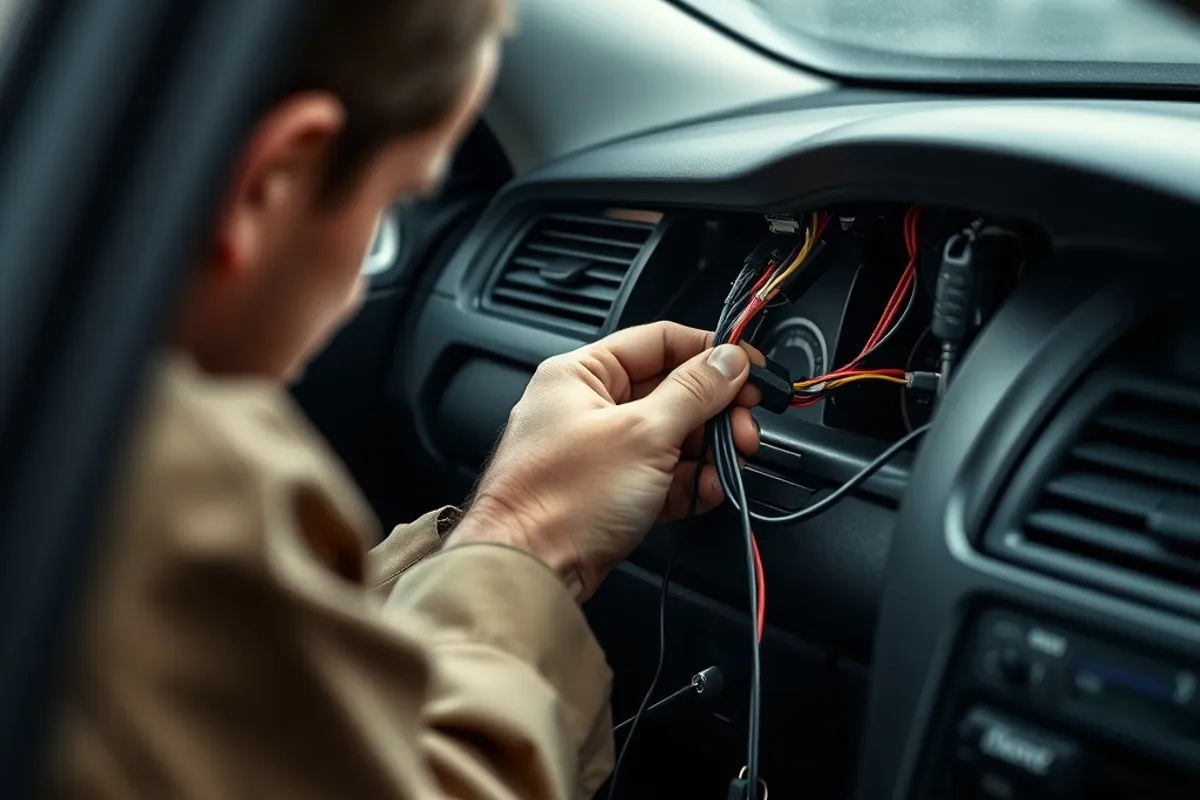
Every electrical upgrade adds load. Use a fused connection to the battery for high-power devices and avoid tapping into safety-critical circuits. Do not run cables across sharp metal edges or near the steering column. A poor ground connection causes flickering, noise and intermittent faults.
If the car is under warranty, check whether an electrical modification affects it. Keep the original parts so the car can be returned to stock. A tidy installation with proper connectors is easier to troubleshoot and worth more at resale than a bundle of twisted wires.
The verdict
Upgrade in this order: tyres and brakes first, then a head unit that works with your phone, then speakers and sound deadening, then cameras and sensors. Buy the adapter for your exact car and pay for a clean installation. The best tech is the tech you stop noticing because it simply works.